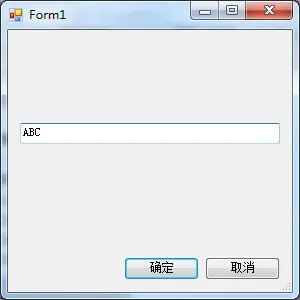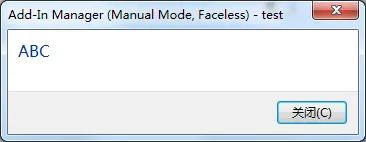
一个使用Winform窗体获取用户输入的例子。
新建一个简单窗体:
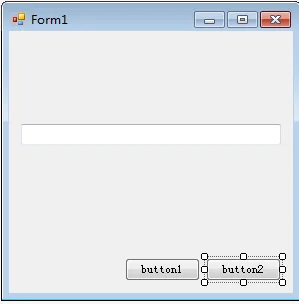
窗体部分代码:
 public partial class Form1 : Form
 {
 public Form1()
 {
 InitializeComponent();
 }

 private void Form1_Load(object sender, EventArgs e)
 {
 //关联确定及取消按钮
 this.AcceptButton = button1;
 button1.Text = "确定";
 this.CancelButton = button2;
 button2.Text = "取消";
 }

 private void button1_Click(object sender, EventArgs e)
 {
 //返回结果及关闭窗体
 this.DialogResult = DialogResult.OK;
 this.Close();
 }

 private void button2_Click(object sender, EventArgs e)
 {
 //返回结果及关闭窗体
 this.DialogResult = DialogResult.Cancel;
 this.Close();
 }

 public string inputStr
 {
 //获取textBox数据
 get { return this.DialogResult == DialogResult.OK ? textBox1.Text : ""; }
 }

 }
调用窗体:
 public Result Execute(ExternalCommandData commandData, ref string message, ElementSet elements)
 {
 //实例化窗体
 Form1 form1 = new Form1();
 if (form1.ShowDialog() == DialogResult.OK)
 {
 TaskDialog.Show("test", form1.inputStr);
 }

 return Result.Succeeded;
 }
运行结果: